Propac VFFS Latest Generation
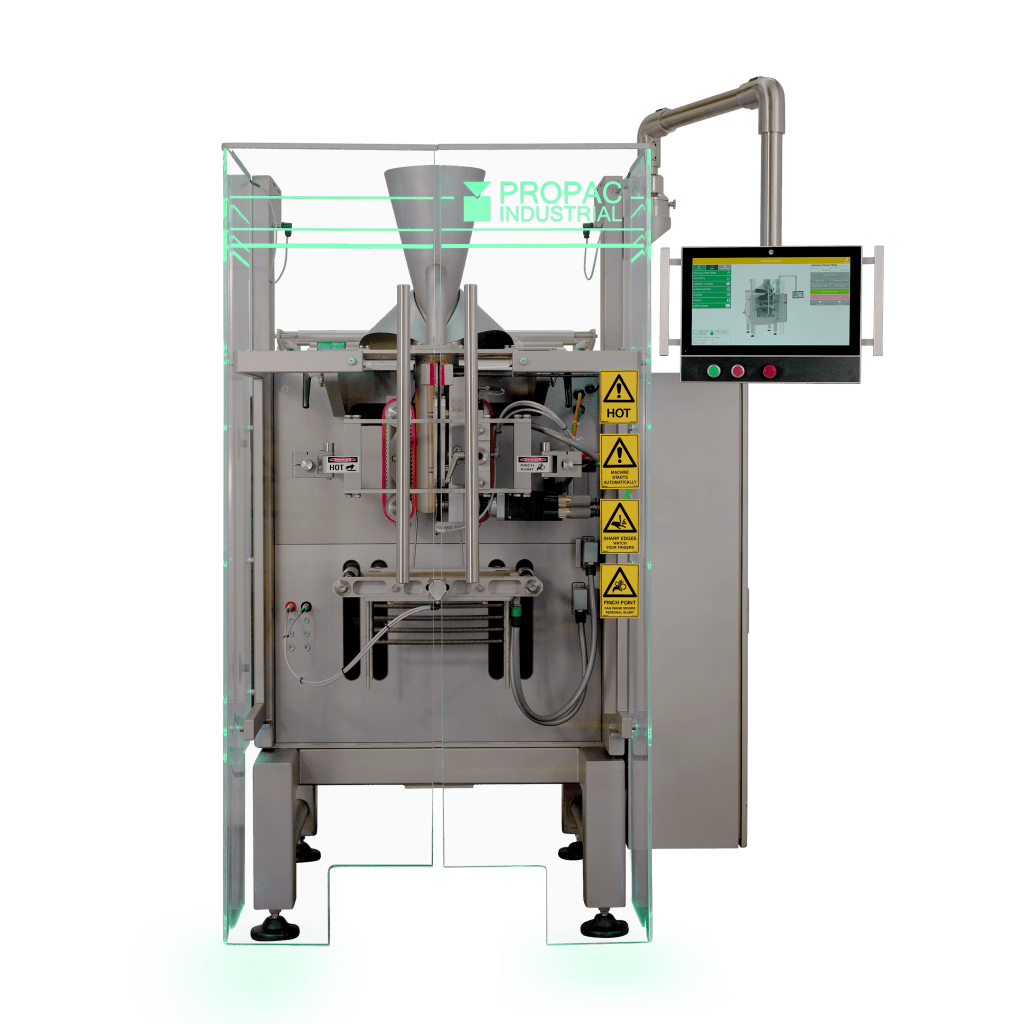
Our Propac Vertical Form Fill Seal (VFFS) latest generation update brings a set of practical improvements focused on the day-to-day production, including: a more user-friendly Allen-Bradley OptixPanel with swivel arm option, upgraded LED safety doors with stainless options, and a range of quick changeover features, such as former, jaw sets and a film splicing table.
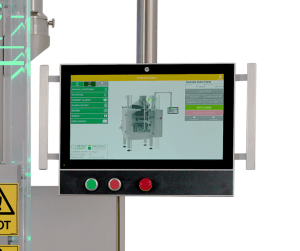
The latest VFFS range introduces an Allen-Bradley OptixPanel HMI available in multiple sizes with the option to have this on a swivel arm, giving operators a clearer view, easier access, and faster setup for food packaging lines.
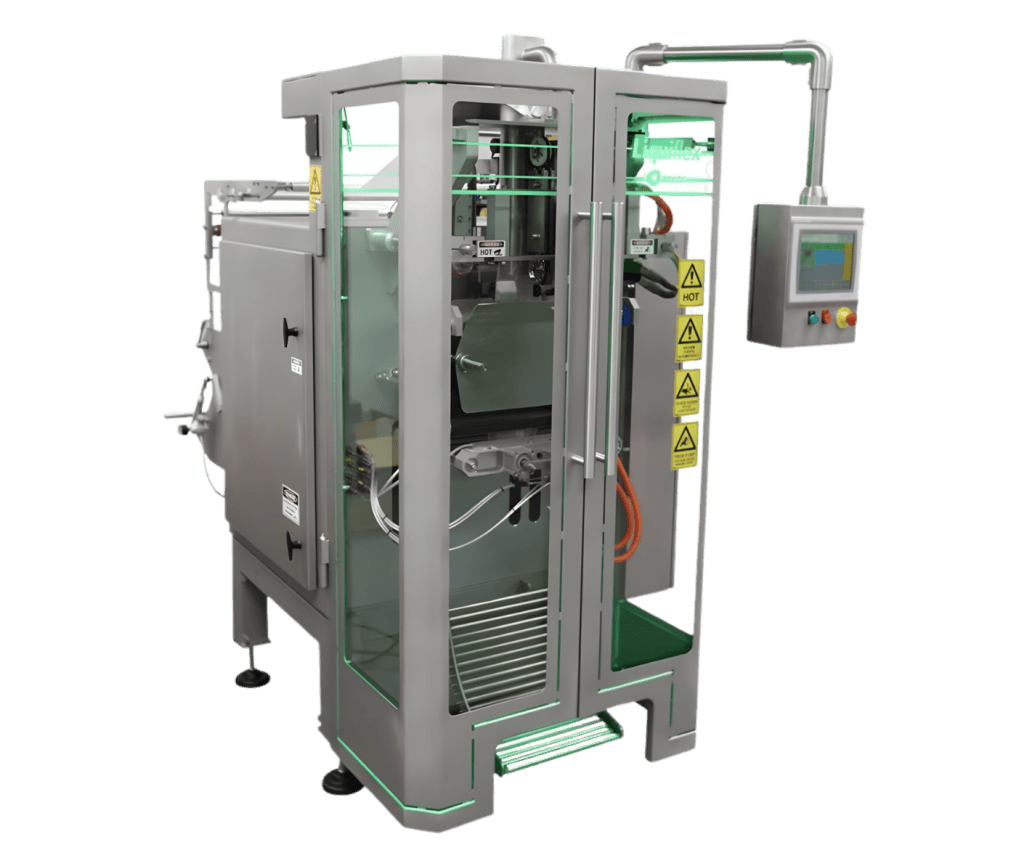
Upgraded LED safety doors with Robust stainless frame option improve visibility, hygiene fit, and day-to-day usability, ideal for food processing environments with frequent cleaning.
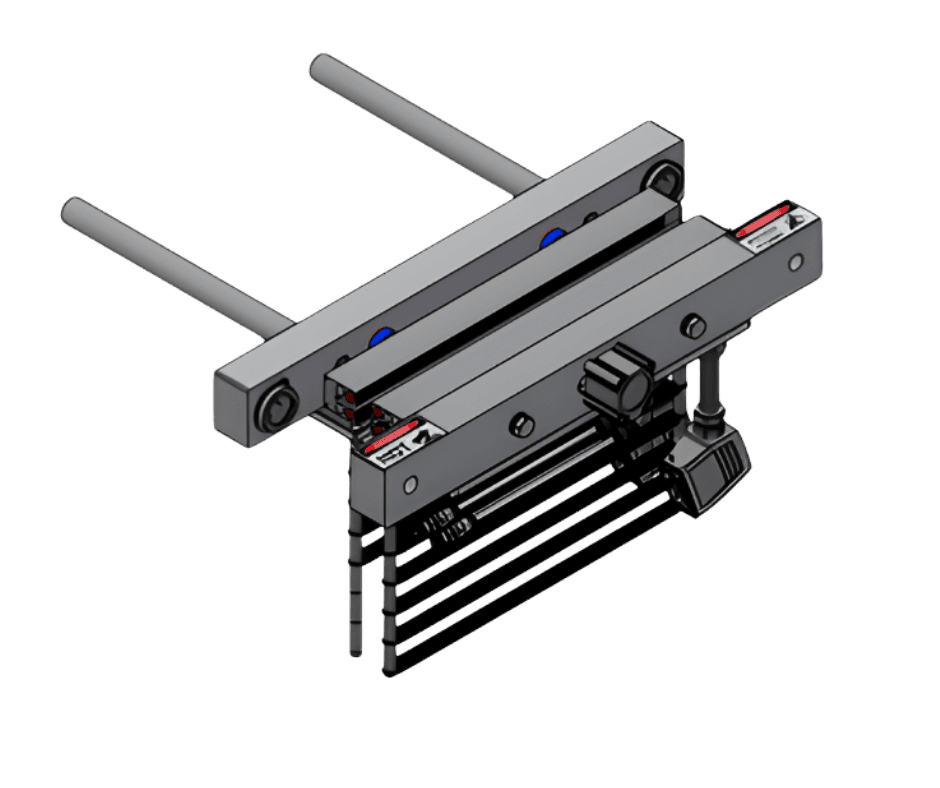
Faster changeovers come from the quick-change former, jaw sets and integrated film splicing table, reducing downtime by speeding format swaps and avoiding full film rethreading during roll changes.
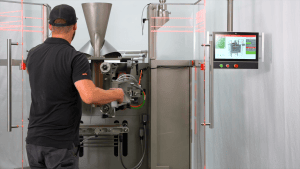
Able to run a wide range of bag types, formats and styles. Whether it’s pillow, gusseted, block-bottom, or edge seal the system can be configured to each. Paper‑web capability also expands substrate choice beyond polymers, creating credible pathways to meet retailer and brand sustainability goals.
World Class HMI
The 2026 VFFS edition update introduces the Allen-Bradley OptixPanel™ HMI across our VFFS range, delivering a clearer, more intuitive operator experience from day one. We’re among the early adopters globally to implement the OptixPanel, bringing a modern, user-friendly interface to food packaging lines with faster access to setup, guidance, and on-screen support.
What is the OptixPanel HMI? The Allen-Bradley OptixPanel™ is a modern graphic terminal that delivers a PC-like operator experience in a sealed HMI appliance.
Key OptixPanel benefits:
- Cleaner, simpler HMI platform
OptixPanel is a sealed appliance with no OS to secure, reducing ongoing IT/security overhead compared to PC-based HMIs. - Fast, intuitive operation
OptixPanel includes modern touchscreen options, and has been designed to be as userfriendly as possible, with access to quick setup options and easy to access alarms for errors. - Connectivity for reporting and integration
OptixPanel Standard is built on FactoryTalk Optix and supports OPC UA and MQTT for interoperability and cloud-style data flows where needed. - Remote support capability (where enabled)
FactoryTalk Optix projects can be configured for FactoryTalk Remote Access, supporting remote assistance workflows (useful for faster troubleshooting and support). - Panel sizing that suits machine users
OptixPanel HMI is available across multiple sizes up to 21.5″. - Manuals and spare parts
A library of training manuals, training videos and spare parts lists available built into the HMI.
Adjustments in just a few clicks
The Home screen gives operators fast access to key settings without digging through menus.
Operators can quickly adjust common controls, like seal temperatures, from a clear Quick Setup panel designed for day-to-day production changes. This is especially useful in food plants where format and product changes happen regularly.
Deep dive into individual parts
Operators can open up a machine area to see the component and the settings that relate to it.
Instead of searching through pages of parameters, operators select parts of the machine, see a visual reference, and access the most relevant options. This improves confidence for new operators and speeds troubleshooting for experienced users.
Learn on the job
Training videos and manuals are available directly on the HMI for quick learning and refreshers.
New users can learn the workflow right at the machine, while experienced operators can quickly confirm steps when needed. From training content, users can jump straight into the user manual, keeping support information close to the line.
Elevated Safety
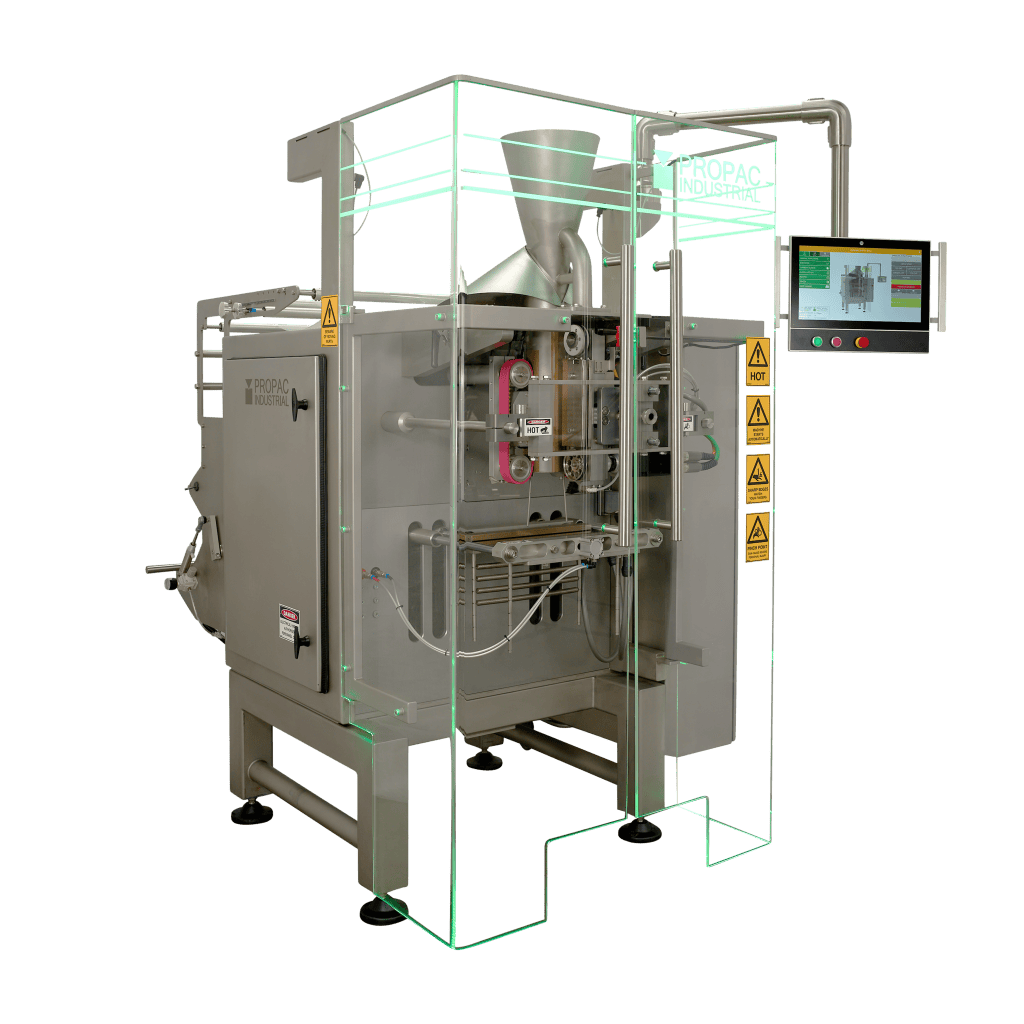
Green
Machine Running
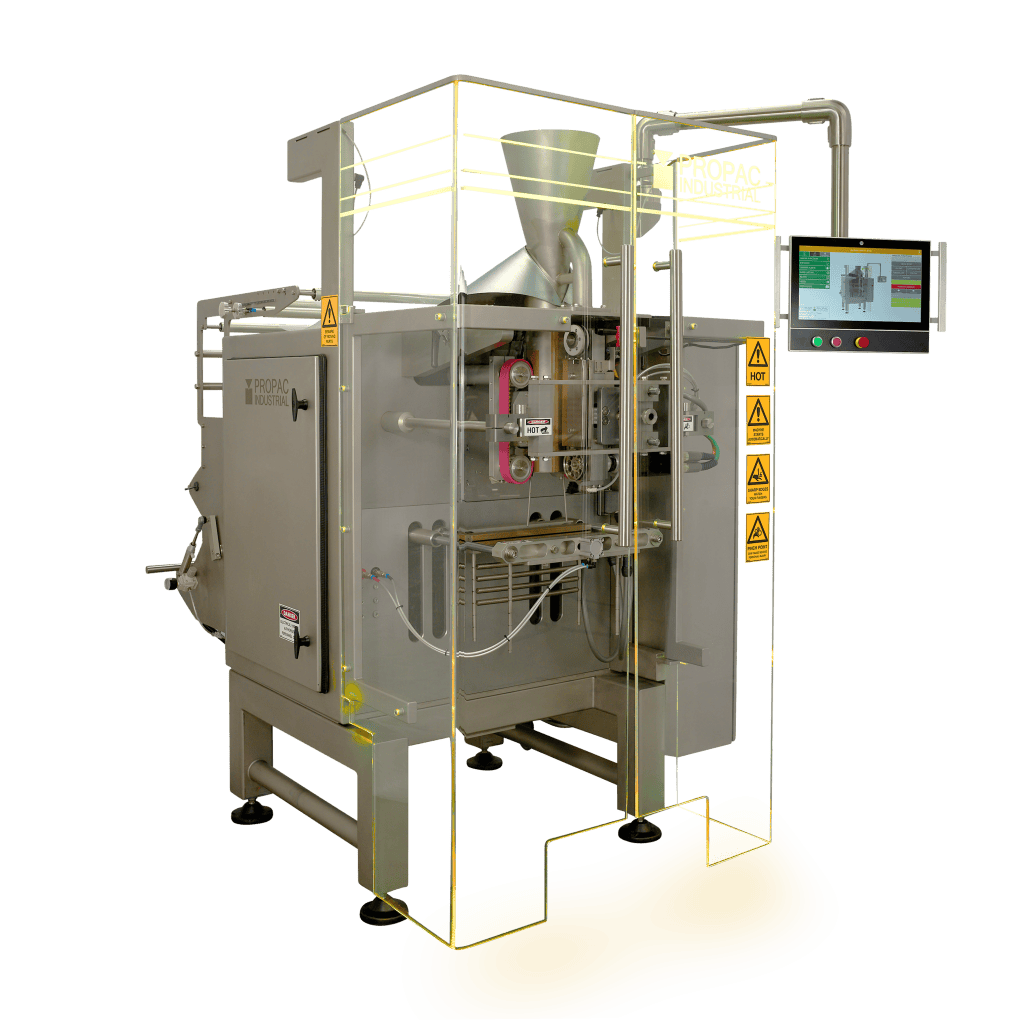
Yellow
Attention Required
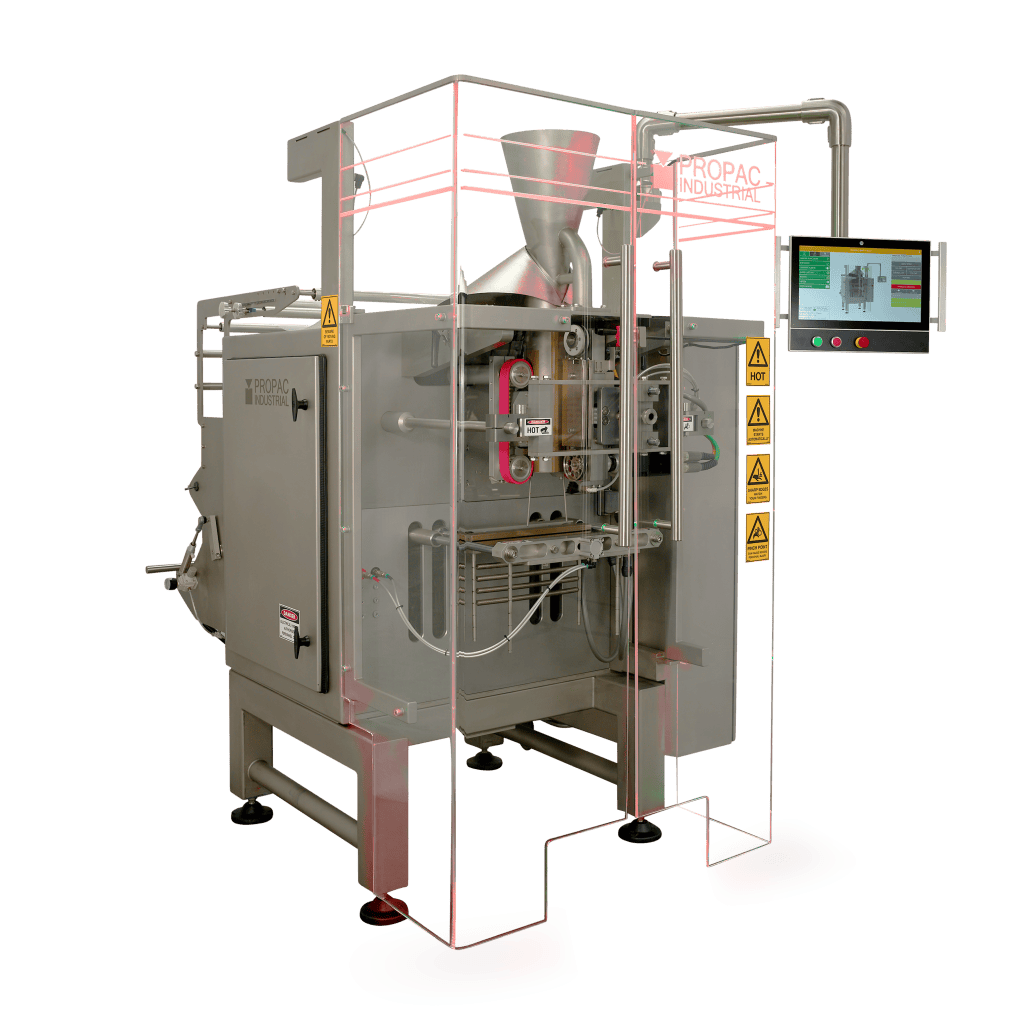
Red
Fault or Stoppage
Status‑coded LEDs on the doors indicate the state of the machine at a glance, enabling faster, safer interventions without hunting through screens.
Stainless Steel Door Option
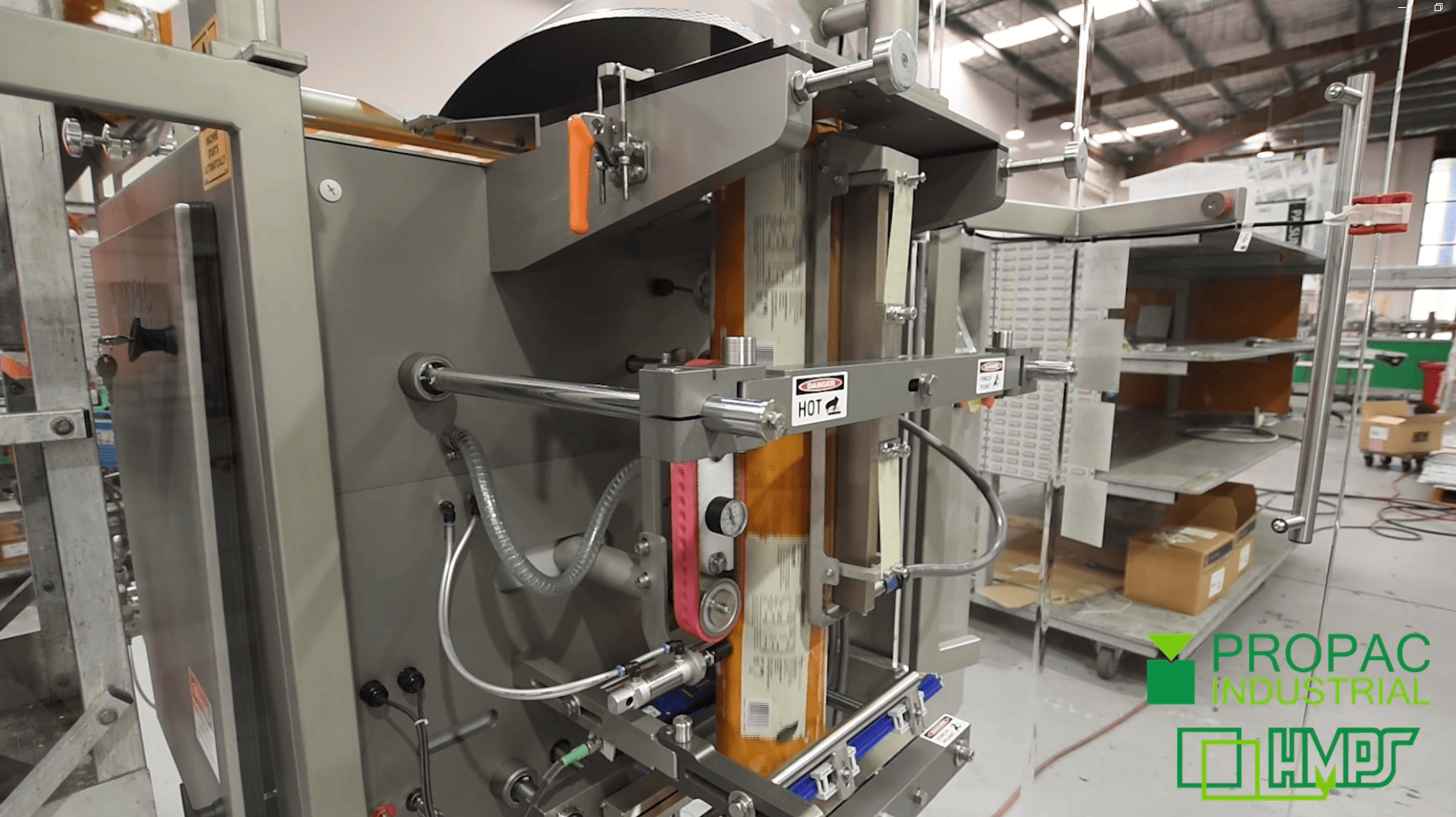
Our stainless steel safety doors improve operator safety and line awareness by making machine guarding more robust and easier to manage in daily production. The integrated LED door status gives a clear at-a-glance indication of whether doors are safe and ready, helping reduce confusion during start-up, changeovers, and troubleshooting. The stainless option also suits food environments where frequent cleaning is expected, while maintaining strong, reliable guarding over the life of the machine.
Quick Changeovers
Quick-Change Former
Tool-less former changeover is standard and simple: open the back-seal, unlatch, swap the former, and relatch, keeping format changes fast and repeatable for operators.
Quick-Change Jaw Set
A pre-aligned, drop-in front-and-rear endseal module lets operators switch sealing configurations in minutes. Unbolt the rear shafts and front carrier, swap in the preconfigured unit and tighten. All with no cooling delays, enabling rapid laminate-to-PE changeovers.
Film Splicing Table
The splicing table allows operators to join a new film roll to the running web, so there’s no need to fully rethread film through the rollers. This helps minimise downtime during roll changes and keeps production moving.
Compatibility
Validated paper-web capability expands substrate choice beyond polymers, giving processors a practical way to run paper-based packaging while supporting retailer and brand sustainability targets, without sacrificing control or usability on the line.
FAQ
What is the VFFS 2026 edition update?
The 2026 edition is our latest generation step, this is marked with a .3 in the modeling system. e.g., a 2.2 becomes a 2.3, this edition has updated HMI, safety, and changeover features available.
What’s new in the VFFS 2026 edition?
An Allen-Bradley OptixPanel HMI with a swivel arm option, upgraded LED safety doors with stainless options, quicker changeovers and a film splicing table to avoid rethreading.
Why did you switch to the Allen-Bradley OptixPanel HMI?
We use the OptixPanel because it delivers a PC-like operator experience in a sealed HMI appliance.
For operators, OptixPanel supports modern touchscreen options (including gesture-capable multitouch variants like swipe/pinch) and comes in a wide range of screen sizes (up to 21.5″), so we can match the HMI to the machine and line layout.
From an engineering and support perspective, OptixPanel runs FactoryTalk Optix and FactoryTalk Remote Access, which supports scalable projects, remote troubleshooting/configuration workflows and connectivity standards like OPC UA and MQTT for data access where required.
What does the swivel arm do for the HMI screen?
It allows the screen to be positioned for better visibility and access during operation, cleaning and changeovers.
What are LED safety doors and why do they matter?
LED safety doors make door status easier to see, improving operator awareness and helping reduce avoidable stops.
Are the 2026 edition VFFS safety doors suitable for food processing environments?
Yes, stainless frame options support hygiene-focused environments and regular cleaning routines common in food plants.
What does “quick changeovers” include in the 2026 edition?
Options for a quick-change former, quick-change jaw sets and a film splicing table designed to reduce downtime during product and film changes.
How does the film splicing table reduce downtime?
It lets operators splice a new film roll to the running web, so they don’t need to rethread film through the rollers.
Do these updates change the way operators run the VFFS machine?
They simplify operation, with better screen access, more user friendly HMI, clearer safety status and quicker changeovers, all while keeping the core workflow familiar.
Is the Propac VFFS 2026 edition designed for high-mix production?
Yes, features like quick-change tooling and film splicing help reduce downtime when switching packaging formats or SKUs.
How do I know which edition my machine is?
Your machine’s edition is typically shown on the build plate/documentation; if unsure, we can confirm it from the serial/build details. The latest generation would be marked with a .3 e.g VFFS AV2.3
What bag types can the Propac VFFS run?
Capable of running a wide range of bag styles and formats, the propac VFFS system can be configured to suit your application, whether that’s pillow, gusseted, block-bottom, or edge-seal bags, supporting different product needs across your packaging range.
More on vertical Form Fill Seal
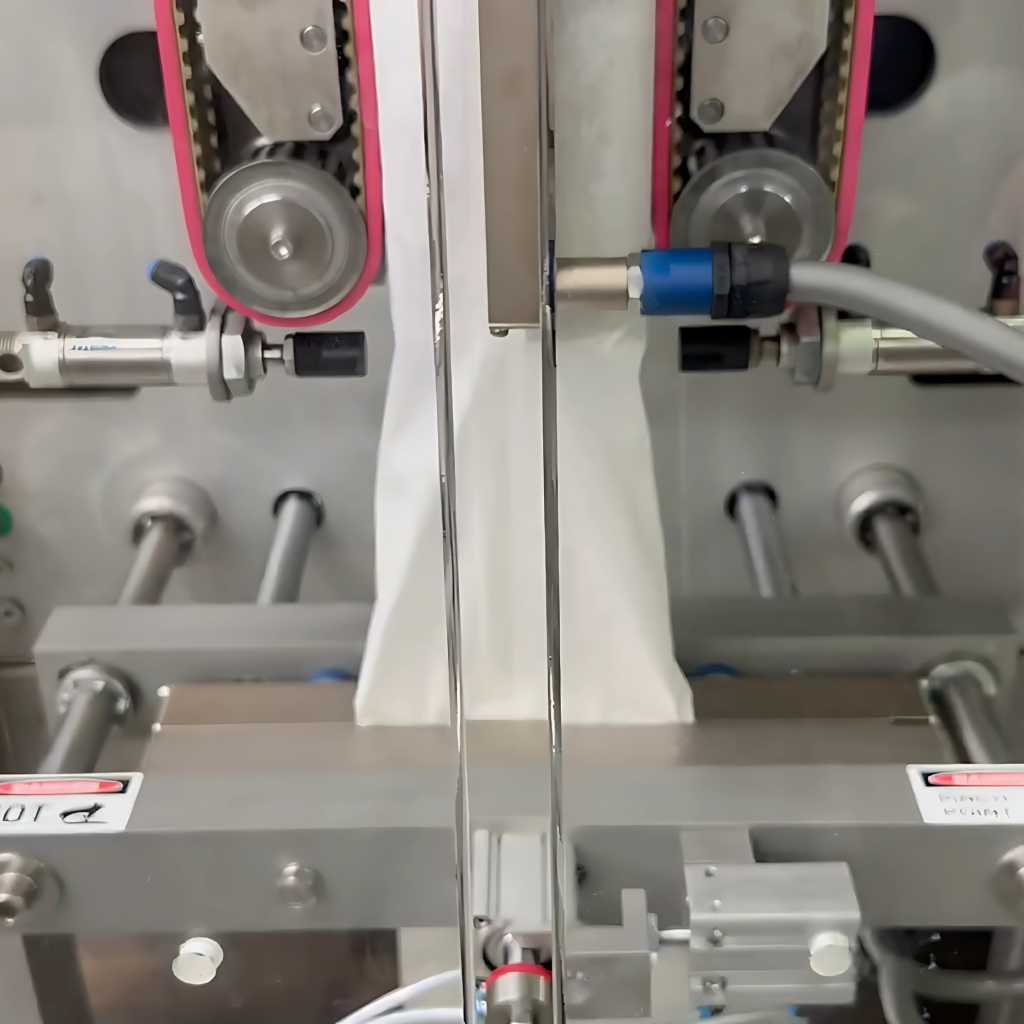
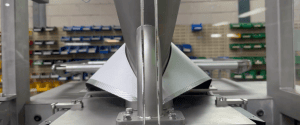
PROPAC VFFS can now run paper, this setup was running at 35 bpm and 135mm bag length.